


Download Nambu – Free Mac Twitter Client, Secure & Feature‑Rich
Overview: A Modern Twitter Experience Tailored for macOS
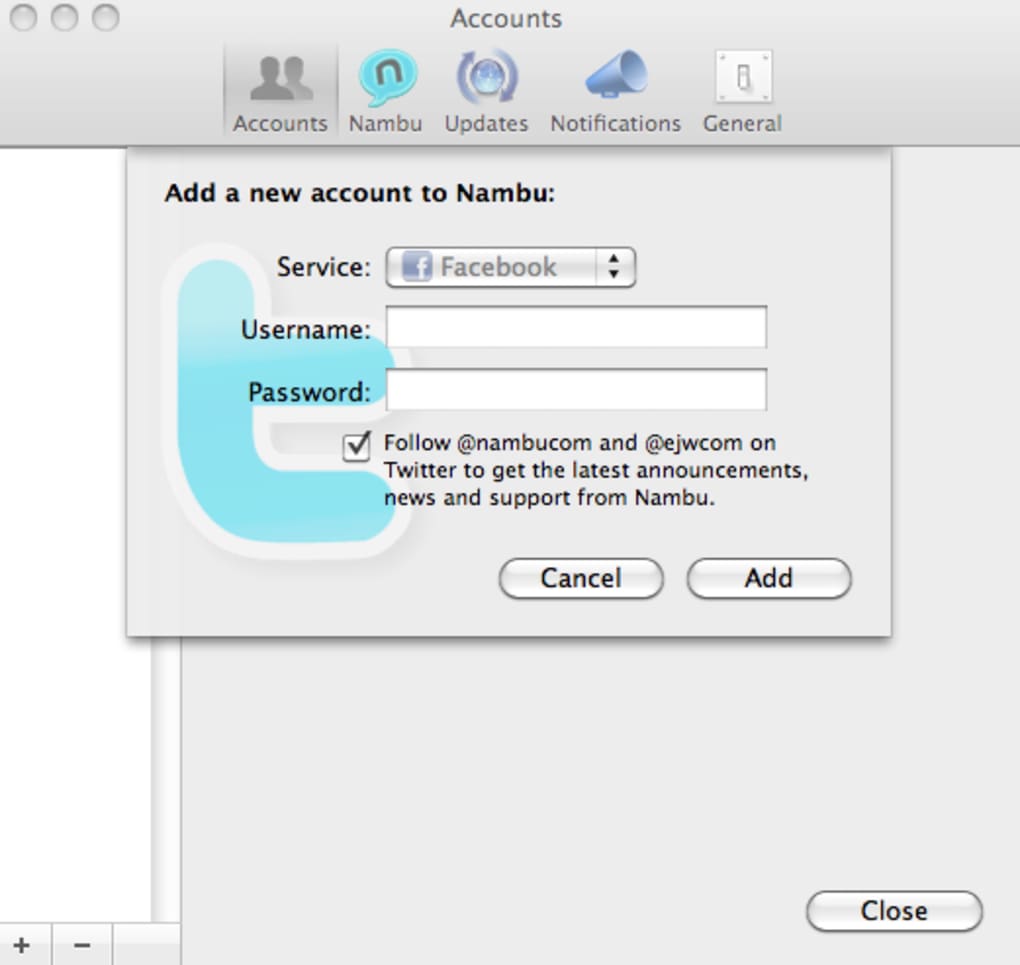
Nambu arrives as a fresh, beta‑stage Twitter client that marries the classic look of OS X with a toolbox designed for power users. While many Mac‑based Twitter apps focus on simplicity, Nambu embraces depth without sacrificing the sleek aesthetics users expect from native macOS software. The application supports multiple accounts, allowing you to switch between personal, professional, or brand profiles with a single click.
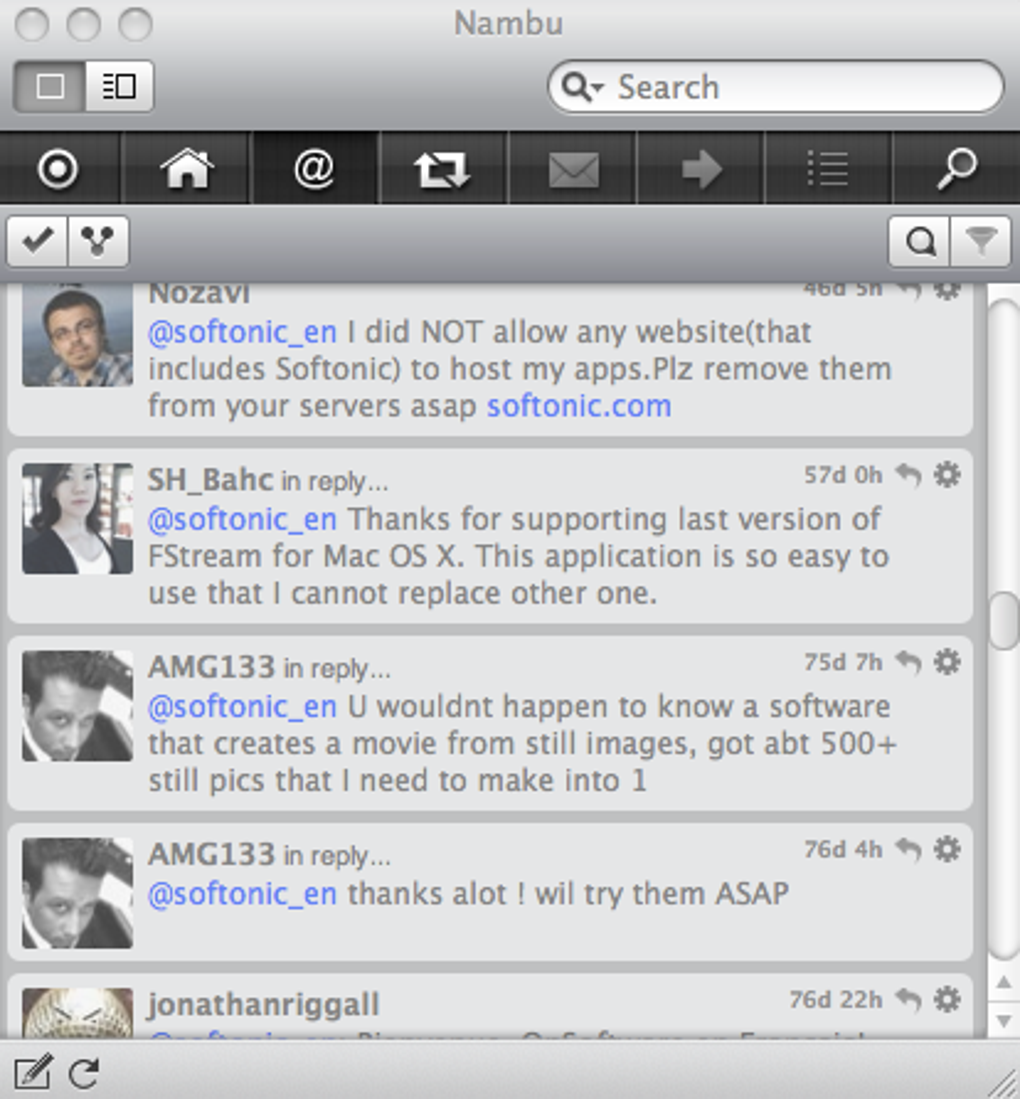
Timelines, mentions, and direct messages can be displayed in combined or isolated streams, giving you full control over how information is presented. What truly sets Nambu apart is its ability to create Twitter Groups—virtual folders that let you categorize contacts, hashtags, or services so you never lose track of a conversation. Threaded @mentions keep related replies together, mirroring the natural flow of a dialogue rather than scattering them across the timeline.
Additional conveniences such as keyword search, built‑in tr.im URL shortening, and an automatic translation engine make Nambu a one‑stop shop for anyone who spends a significant portion of their day on Twitter. Although the software is still in beta and may encounter occasional glitches, its ad‑free environment and extensive feature set position it as a compelling alternative to the more mainstream Tweetie client.
Core Features & Powerful Tools for the Active Tweeter
- Multiple account handling with instant switching.
- Customizable timelines – combined view or separate streams.
- Twitter Groups to organize contacts, hashtags, and services.
- Threaded @mention view that keeps conversations together.
- Advanced keyword search across all connected accounts.
- Integrated tr.im support for quick URL shortening.
- Automatic translation of foreign‑language tweets.
- Native macOS interface that respects system fonts and dark mode.
- Ad‑free experience, even in the free version.
- Regular beta updates that introduce performance tweaks and bug fixes.
Each feature in Nambu is built to reduce the friction of managing a busy Twitter feed. The multiple‑account support is particularly useful for social media managers who juggle client accounts alongside personal profiles. By grouping accounts and hashtags, you can isolate marketing campaigns, industry news, or personal interests without creating separate windows or applications.
The threaded @mention system eliminates the need to scroll back through a long list of tweets to follow a single conversation, presenting the entire exchange in a compact, readable format. Keyword search works across all timelines, ensuring you never miss a mention of your brand or a trending topic. For users who share links frequently, the built‑in tr.im integration shortens URLs instantly, keeping your tweets tidy and within character limits.
The translation engine leverages online services to render foreign tweets in your preferred language, a boon for global communities. Altogether, these tools empower you to stay on top of real‑time discussions, track sentiment, and engage with audiences more efficiently than with a standard Twitter client.
Installation, Compatibility, and Real‑World User Experience
Installing Nambu on a Mac is straightforward. After downloading the DMG file from the official website, drag the Nambu icon into your Applications folder, launch the app, and grant the necessary permissions to access your Twitter accounts. The installer follows Apple’s standard security prompts, ensuring a secure and verified installation.
Nambu is optimized for macOS 10.13 (High Sierra) and later, fully supporting Retina displays and Dark Mode. While the beta label indicates that occasional crashes may occur, the development team regularly pushes updates that address stability concerns and improve performance. Users have reported that the initial setup takes only a few minutes, after which the client remembers your preferences and login credentials for seamless future sessions.
In practice, Nambu’s extensive preference pane can feel overwhelming for newcomers. The sheer number of toggles—ranging from notification settings to timeline refresh intervals—requires a brief learning curve. However, power users quickly appreciate the granular control, as it allows tailoring the client to specific workflows. Pros and cons are best understood through a concise list:
Pros
- Rich feature set that goes beyond basic tweeting.
- Ad‑free environment, even in the free version.
- Native macOS design that blends with system aesthetics.
- Automatic translation expands reach across languages.
- Group organization keeps large followings manageable.
Cons
- Beta status may lead to occasional glitches or crashes.
- Large number of settings can be daunting for beginners.
- Limited to macOS; no official Windows, Android, or iOS versions.
- Occasional performance dips on older hardware.
- Feature‑heavy interface may consume more memory than lightweight clients.
macOS
Frequently Asked Questions & Final Verdict
Is Nambu completely free or does it have paid tiers?
Nambu is offered as a free download with full functionality. Because it remains in beta, there are no paid tiers, and the app does not display advertisements.
Can I use Nambu with multiple Twitter accounts simultaneously?
Yes. Nambu supports an unlimited number of accounts. You can switch between them instantly or view combined timelines.
How does the automatic translation feature work?
When a tweet is detected in a language other than your system language, Nambu sends the text to an online translation service and displays the translated version underneath the original tweet.
Is Nambu safe to use with my Twitter credentials?
The application uses OAuth authentication, meaning your password is never stored locally. Access tokens are encrypted and managed by macOS Keychain.
Will Nambu continue to receive updates after the beta phase?
The development team has committed to regular updates, bug fixes, and feature enhancements even after the beta period, ensuring long‑term viability.
Conclusion: Should You Download Nambu?
For Mac users who treat Twitter as a professional tool rather than a casual pastime, Nambu delivers a sophisticated, ad‑free environment that respects the OS X design language while offering capabilities rarely found in free clients. Its ability to group contacts, translate foreign tweets, and keep threaded conversations together makes it especially valuable for marketers, journalists, and community managers. Although the beta status introduces a modest risk of instability, frequent updates and an active development roadmap mitigate this concern. If you’re ready to move beyond the limitations of basic clients and embrace a feature‑rich, customizable Twitter experience on macOS, Nambu is the download to consider today.







